· 3 min read
Solo Composer: An MCP Server Inside the App
Solo Composer runs its own MCP server, with every tool generated from the same registry of actions the interface uses, so an AI agent can write a score while you watch it appear.
A server in the running app
Solo Composer is my research project into how music notation software works: a desktop app closely modelled on Dorico, built with Tauri, Rust and React. It can also be driven by an AI agent. Point Claude Code or VS Code at it and an agent can create players, write notes and change engraving settings, while the score fills in on screen.
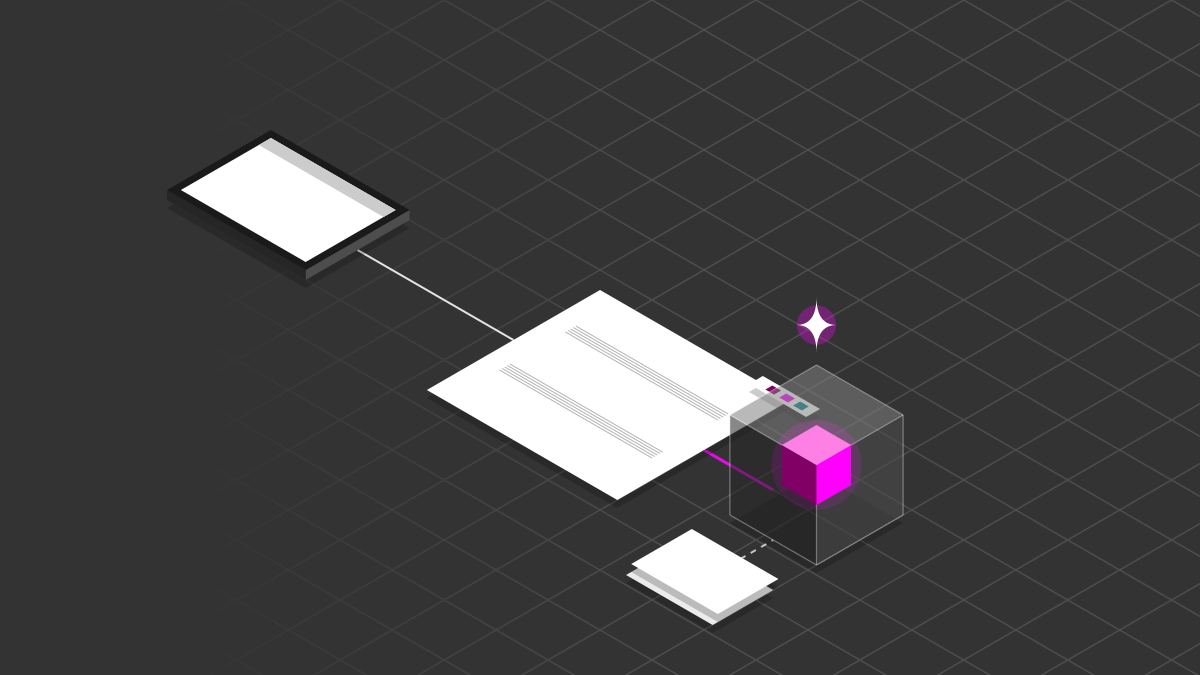
Many MCP servers run as a separate process, launched by the agent's tool and talking to an app from the outside. Solo Composer's lives inside the app. When it starts, the Rust side spins up a small HTTP server on localhost alongside the interface, and speaks MCP's streamable HTTP transport. Every request is a plain request and response: initialise, list the tools, call one. There's no separate process to install, and an agent always sees the score that's actually open.
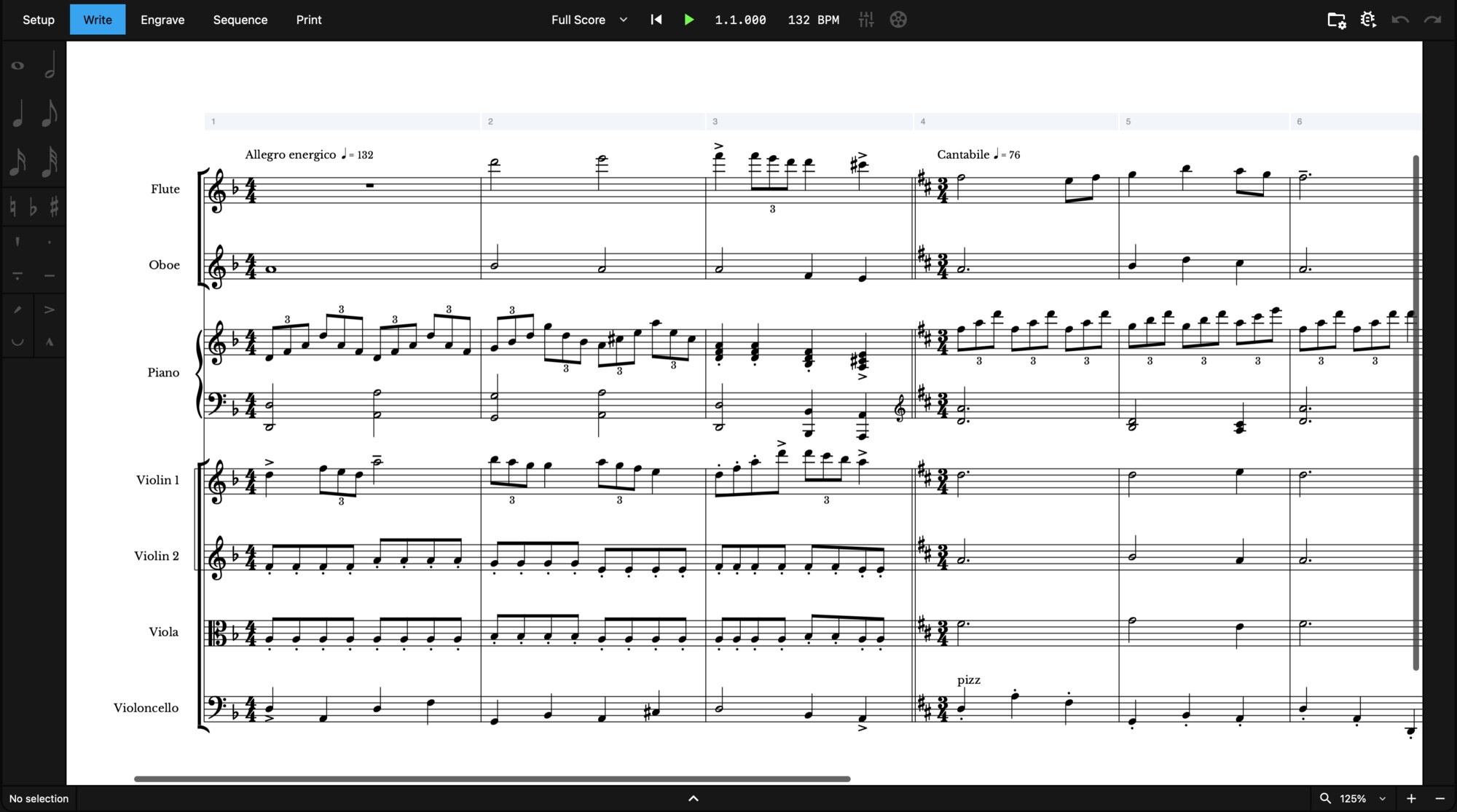
This score was written entirely through MCP, from the instruments to the triplets.
One registry, generated tools
The part I'm happiest with is that I don't write MCP tools by hand.
Everything you can do to a score is defined once, in a registry of actions: a name, a description and a described list of arguments. Each action calls the same commands the interface does. The MCP server reads that registry and generates a tool for every action, with its JSON schema built from the argument descriptions.
That has a few nice consequences:
- Agents and people share one path. An agent writing a note goes through exactly the same code as a click, so the score re-renders live and I can watch every change.
- New features arrive for free. Add an action for the interface, and agents can use it straight away.
- Other tools get it too. The same registry also sits behind a simple local HTTP API, handy for scripts and testing.
Designing for a user that can't see
Generating tools is easy. Making them usable by something that can't see the screen took most of the work.
A person learns Solo Composer by looking at it. An agent arrives knowing nothing about how the app thinks about music, so the server offers an onboarding tool first. It returns the order to build things in, how time is measured, how ids work and a short guide to the score model. A lot of it covers what the interface quietly hides: a person never needs to know a piano has two staves, each with its own track, but an agent writing notes does.
Because an agent can't look, it also needs ways to ask. Lookup tools return the bars in a flow, the tracks belonging to an instrument, or a slice of the current score, so it can check the state rather than guess.
The rest was removing ambiguity:
- Named arguments, checked strictly. An unknown or missing argument comes back as a clear error the agent can act on, rather than a silent mistake in the score.
- Spelled-out values. Wherever the app uses a numbered option, the description says what each number means.
- Ids, not names. Everything is referred to by the id the app hands back when it's created.
Watching agents use it felt a lot like user testing. Tuplets needed the most work: I refined how they're described a number of times before agents handled them reliably.
Takeaways
- Put the server inside the app. It sees exactly what the user sees, with nothing extra to run.
- Generate tools from the actions the interface already uses. One path for people and agents, and new features reach both.
- Design for a user that can't see. An onboarding guide, lookups and unambiguous arguments matter more than the number of tools.