· 4 min read
Solo Composer Series Part 1: Work In Progress
In this series I will be talking a bit about a personal project I have been working on for the past few months - Solo composer, a music notation application. I will explore some of the coding challenges, notation curiosities and general musings I discovered working on Solo Composer.
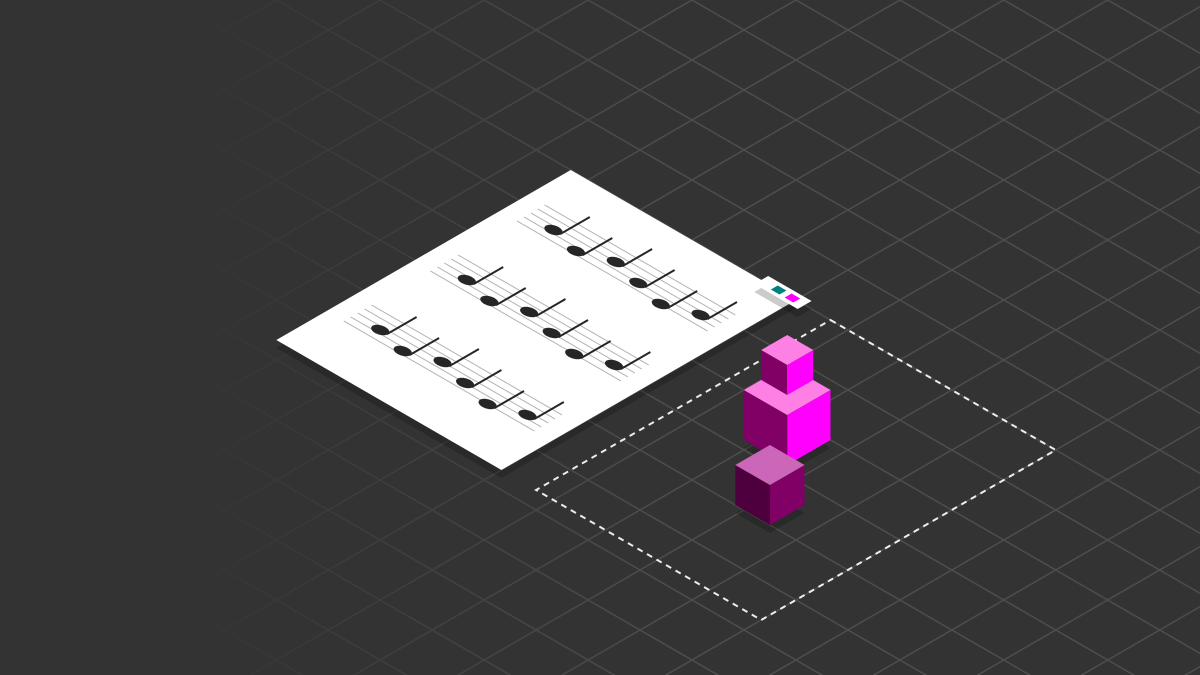
For the past few months I have been working on a personal project to build a music notation application using web technologies. It is inspired by the incredible work of the team at Steinberg on their product, Dorico. In this series I'll be sharing some of the quirky, interesting things I've been finding out about music notation, some of the challenges I have faced while programing them and technical notes for, well... mainly, myself so I don't forget!
What is it?
So lets talk through some basics. Music notation software is the Microsoft Word of music. It provides a way of generating the printable music from which the musicians perform. It is imperative that it is capable of accurately reproducing the myriad of intricate, often interlocking conventions that have evolved over the past several hundred years of music notation. Musicians have become adept at quickly scanning music as they play and any deviation from the conventions can make it much slower to read at speed. Things like note spacing, tie/slur positioning and curvature can have a profound impact on the speed at which a musician can take in the information.
As with all software, music notation applications have come a long way since their introduction. The de facto standards for the last decade or so have been Sibelius & Finale but we have a new kid on the block gaining traction. Steinberg released Dorico - their advanced notation software in 2016 with a hugely different way of thinking about music notation software and what it should be able to do. I was inspired to take some of their ideas and produce a web based application to see if:
- It was possible to do it on the web, and
- My skills were up to the challenge.
Technical things
React
I have been working with React for a couple of years now and it is a good technology to build user interfaces on the web. The project was bootstrapped using Create React App as this has a lot of sensible configuration built in and can produce a PWA using service workers when built.
Pullstate
Organising state in React is hard. Many solutions have come and gone. One of the solutions that has stuck around is Redux. Having worked with Redux before on a couple of projects I was keen not to use this. I opted instead to use Pullstate. This provides... "Ridiculously simple state stores with performant retrieval anywhere in your React tree using React hooks". It uses Immer under the hood which allows you to update the store in a mutable style while keeping the immutability React requires for change detection.
WebWorkers
I knew upfront that parsing of the score into rendering instructions was going to be heavy work. To keep the user interface as responsive as possible I decided to move all the parsing code into a seperate thread using web workers.
Create React App does not come with web worker support out the box yet so there was a certain amount of coaxing to be done. Thankfully this is a problem I had encountered previously so I had a workaround in place. Take a look at my blog post for more on this.
Rendering - SVG / Canvas
To make my system as flexible as possible I have implemented a parsing layer that spits out generic drawing instructions. This was inspired by the parsing/rendering pipeline inside PDF.js, the client-side PDF rendering library from Mozilla. Separating the parsing from the rendering allows you to plug the drawing instructions into many different rendering engines. It would even be possible to pass the instructions to a pdf generator and output printed files this way.
I initially looked into using Canvas to render the score. This worked okay; I was able to transfer the Canvas Context to the web worker, minimising the amount of instructions passed back and forth. However it became a bit of a headache when working with screens with differing pixel ratios. Mainiting fidelity (and accuracy) of the displayed score became tricky and memory intensive. I also needed the elements on the page to be selected and manipulated which, though possible, is not simple. Because of the way I had structured the parsing layer I was able to easily switch out the canvas renderer for an SVG renderer which suited my needs better.
WASM & Rust
At present all my code runs in the Javascript environment (compiled from Typescript). While listening to a podcast about Google Earth's stack they described porting their business logic to WASM (compiled from C++) and writing a thin UI layer over the top of this. I'm keen to explore the possibilities of WASM and Rust in this fashion. Rust is a highly performant language with built in memory safety and it has a well supported ecosystem for compiling to WASM. WASM is a "low-level assembly-like language with a compact binary format that runs with near-native performance". This is ideal for what I want to do and I'm sure I will be writing many more posts on the topic!
Conclusion
Music notation is a complex set of interlocking conventions and rules formed over hundreds of years. It's been interesting to explore some of the thought processes that have gone into creating the music notation we use today and especially the coding challenges that they bring up when implementing them on computers. Over the course of this blog series I will be exploring more specific challenges and implementation details. I hope you will find it interesting.
If you haven't checked out Dorico, I would definitely recommend it - It really is game changing stuff!